
Brief / Overview
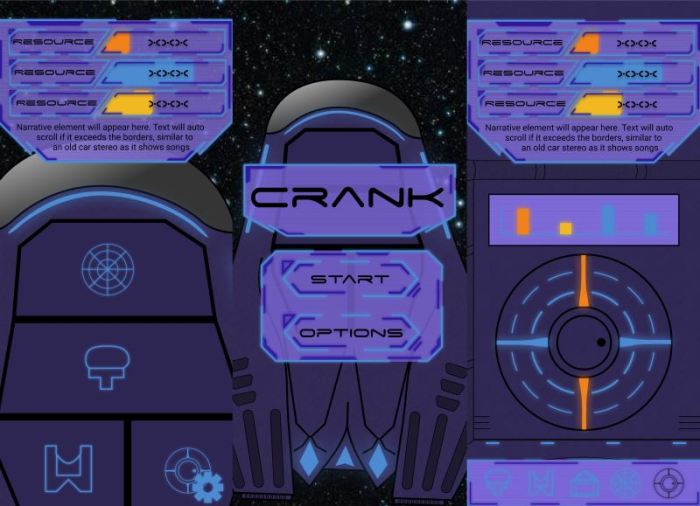
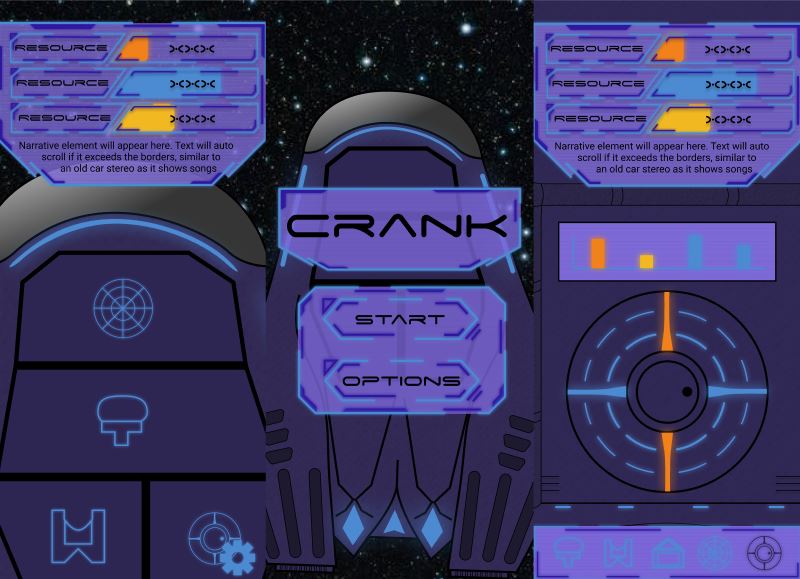
I was tasked with re-designing the UI/UX for an existing incremental game called Crank. I was to design it for a mobile application within Figma. The original UI/UX has no visual interest and a generally confusing layout, which facilitated a space to allow me to think about good UI/UX practices. I completed this task to a high standard within 4 weeks.
Main Learning Outcomes
Using Inspiration while Concepting
While drawing concepts on paper, I found that taking inspiration from other artworks and concepts was imperative to creating visually appealing designs. While the layout of background and UI elements were completely original, I needed some form of existing example to guide my overarching design. The below images were used as the main inspiration. Please note, I do not own these images and they are being used solely as reference.

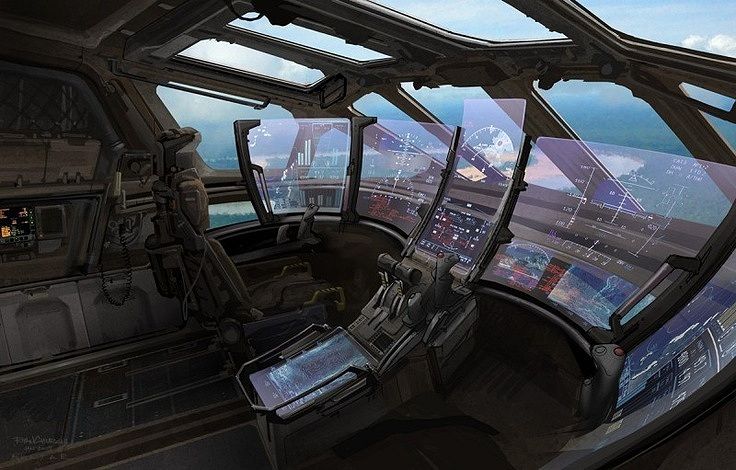
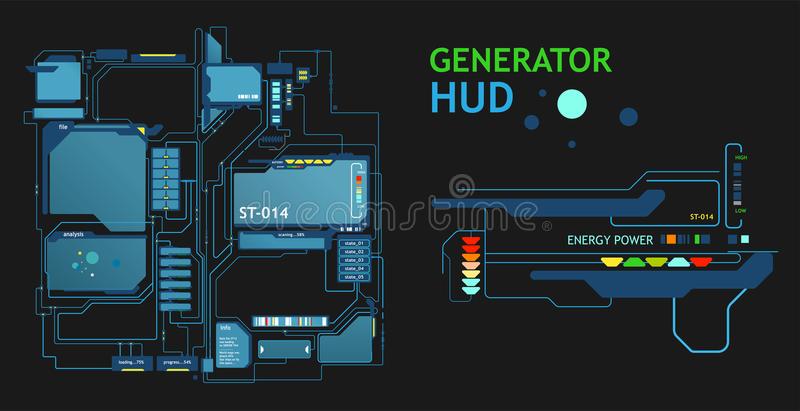
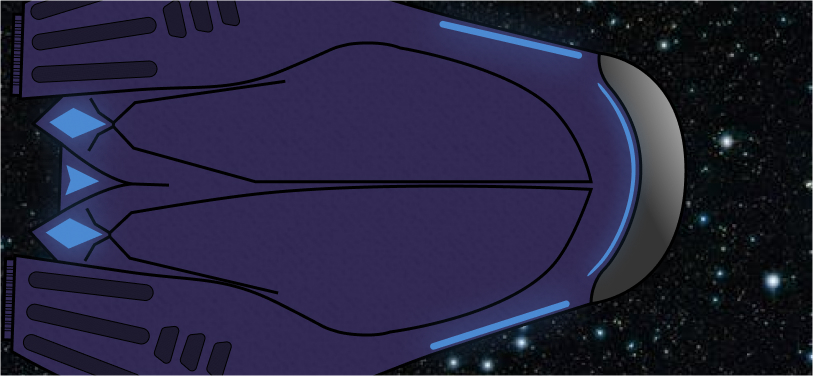
By engaging in this process, I am able to find specific designs that work well and adapt them into something new. You can see some elements of the artwork I used as inspiration within the drawn concepts below. Examples include the curvature of the space ship, the diagonal points on the screens and the form of the UI buttons.
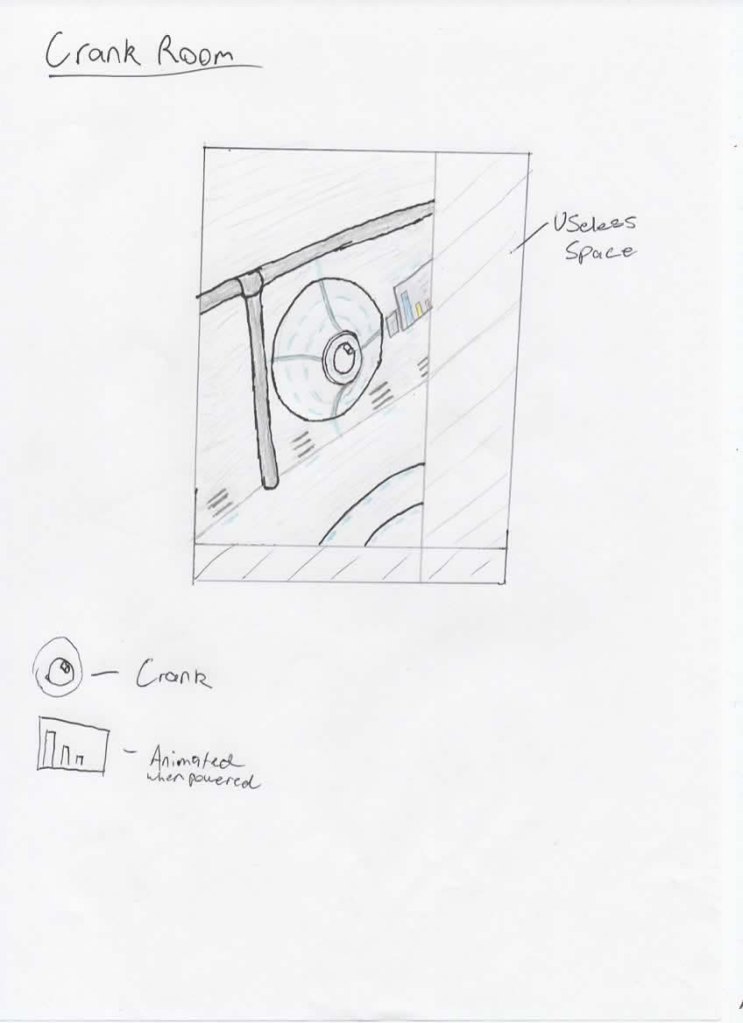
EPSON MFP image 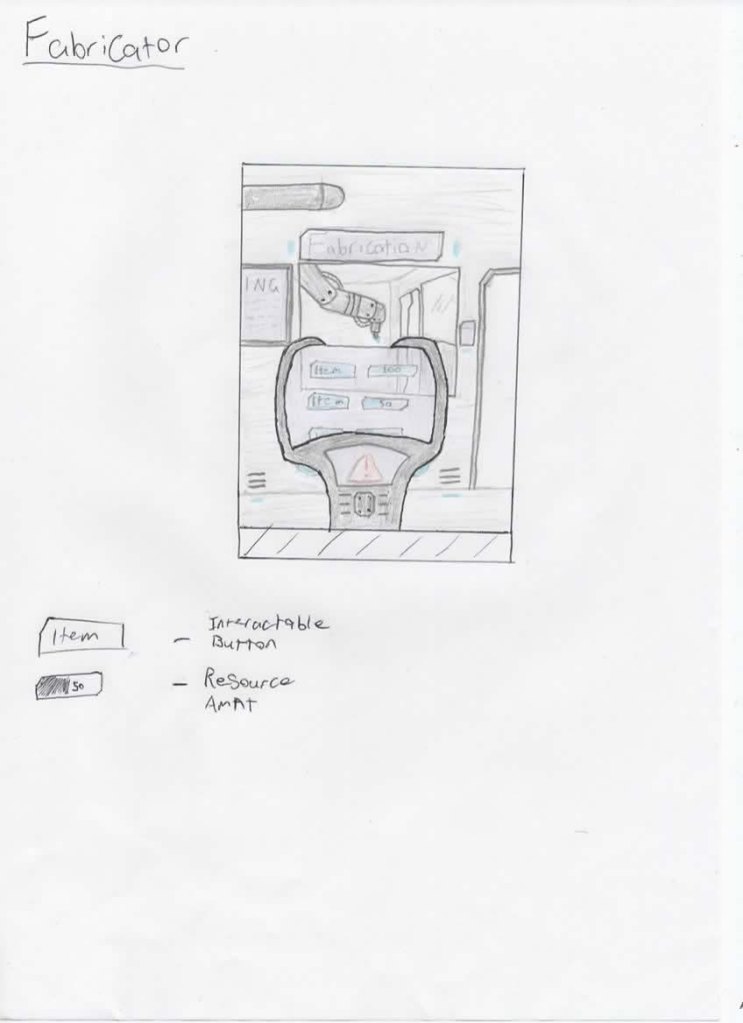
EPSON MFP image 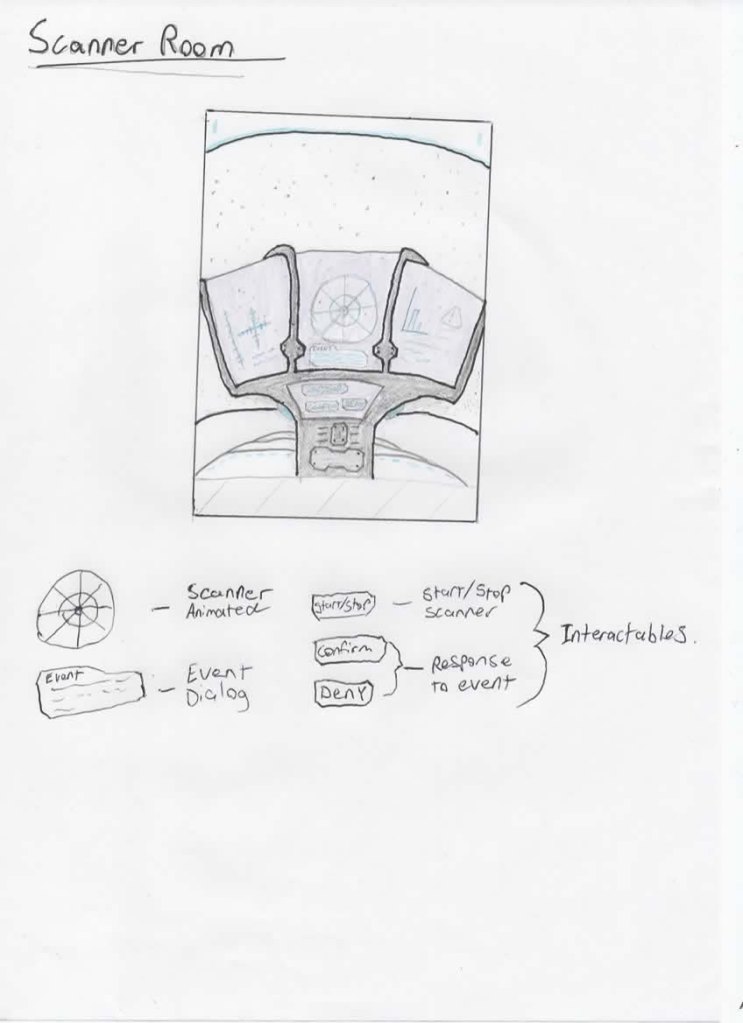
EPSON MFP image 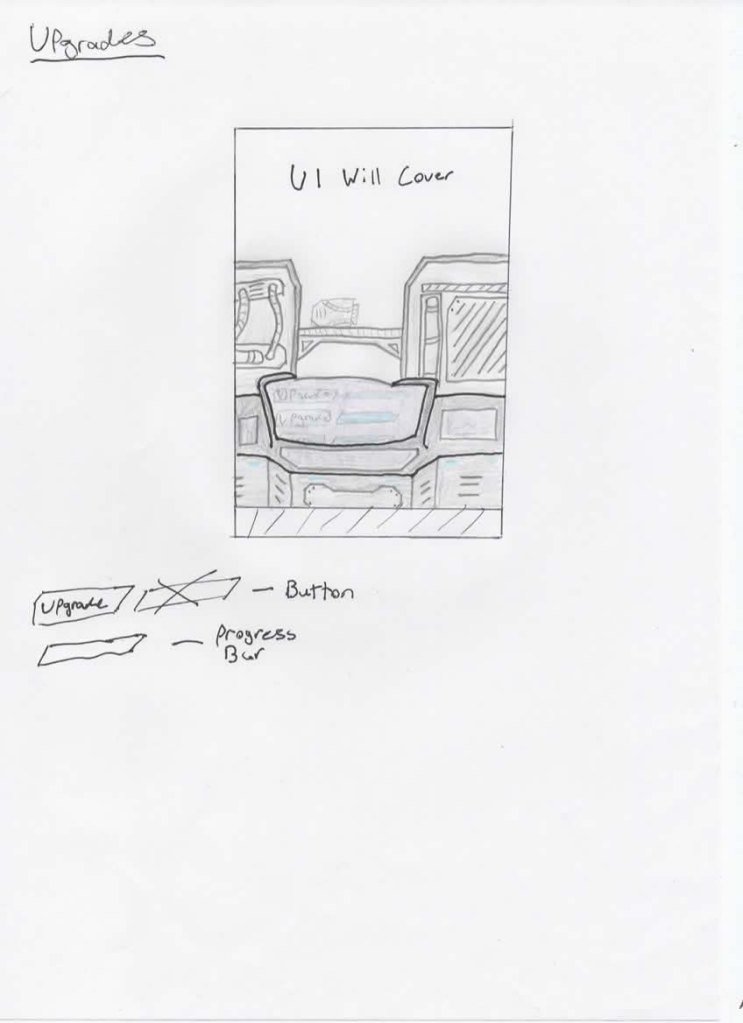
EPSON MFP image 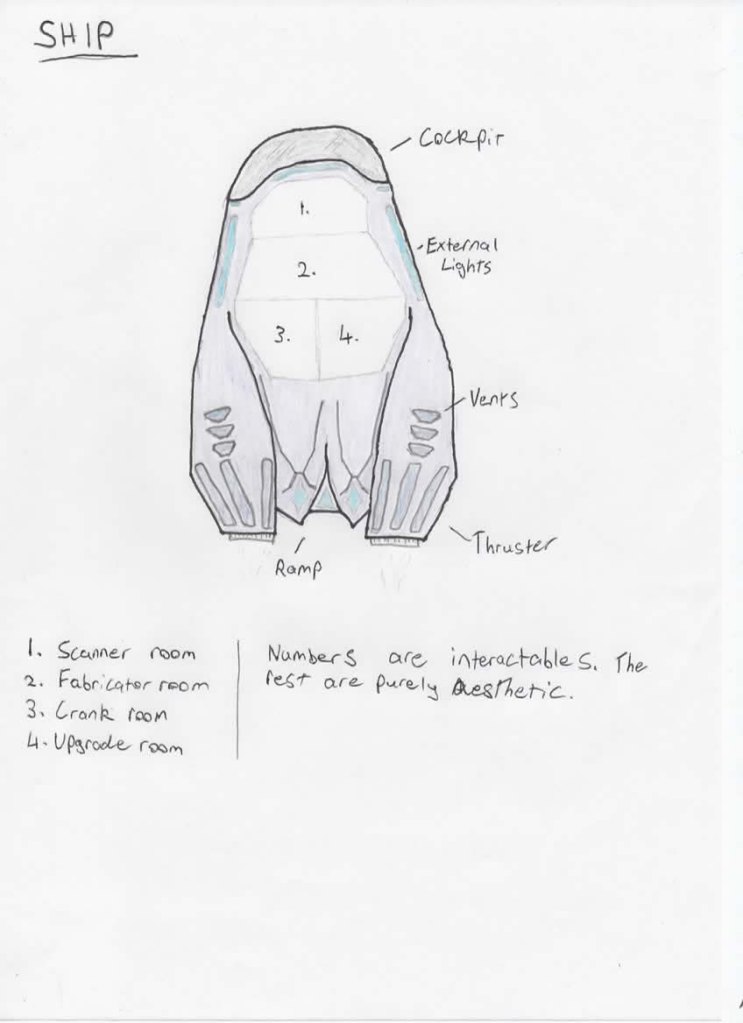
EPSON MFP image 
EPSON MFP image
Prototyping
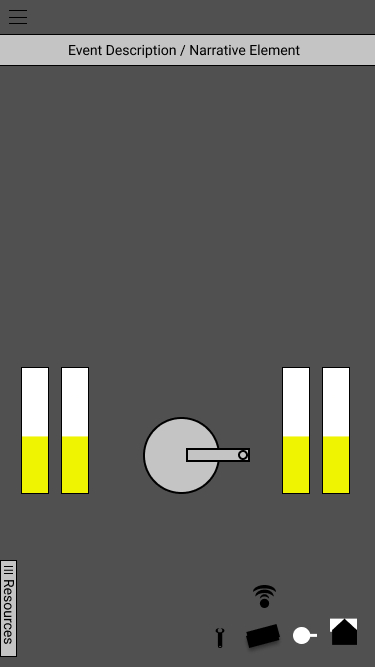
Identical to greyboxing, prototyping UX flow is imperative to a great final design. I found that I was able to focus purely on how the user will be interacting with the elements on screen. My main focus was considering where the user’s hand will be and placing interactive UI elements close to the user’s thumb. This can be clearly seen in the final design with most of the buttons at or below the mid point of the screen.
After passing off my original design for other’s to test, I was able to iterate upon the prototype shown below. The main changes that I had to make was spreading the navigation buttons (bottom right) across the whole width of the screen. I also needed to double their size as it was too small, making it challenging to click on.




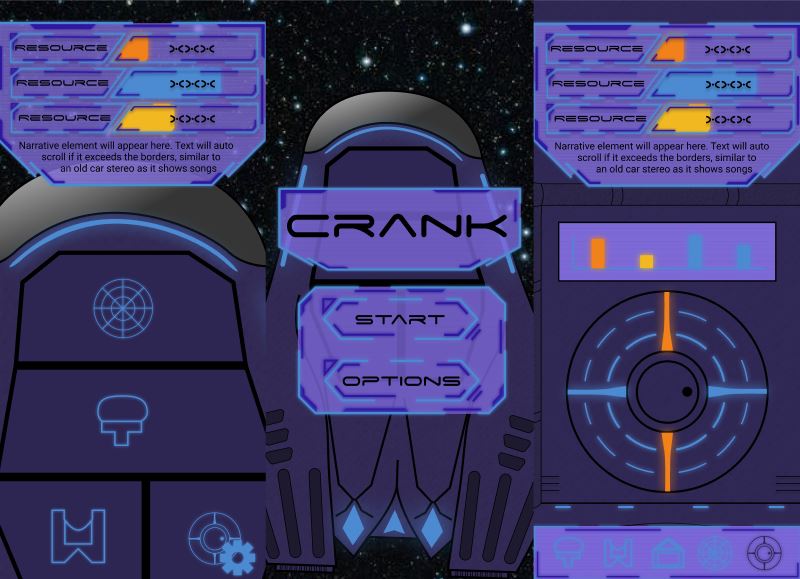
 Callum Nottage